Availability
Brand
Laptop GPU
PROCESSOR
Screen Size
-
 In Stock
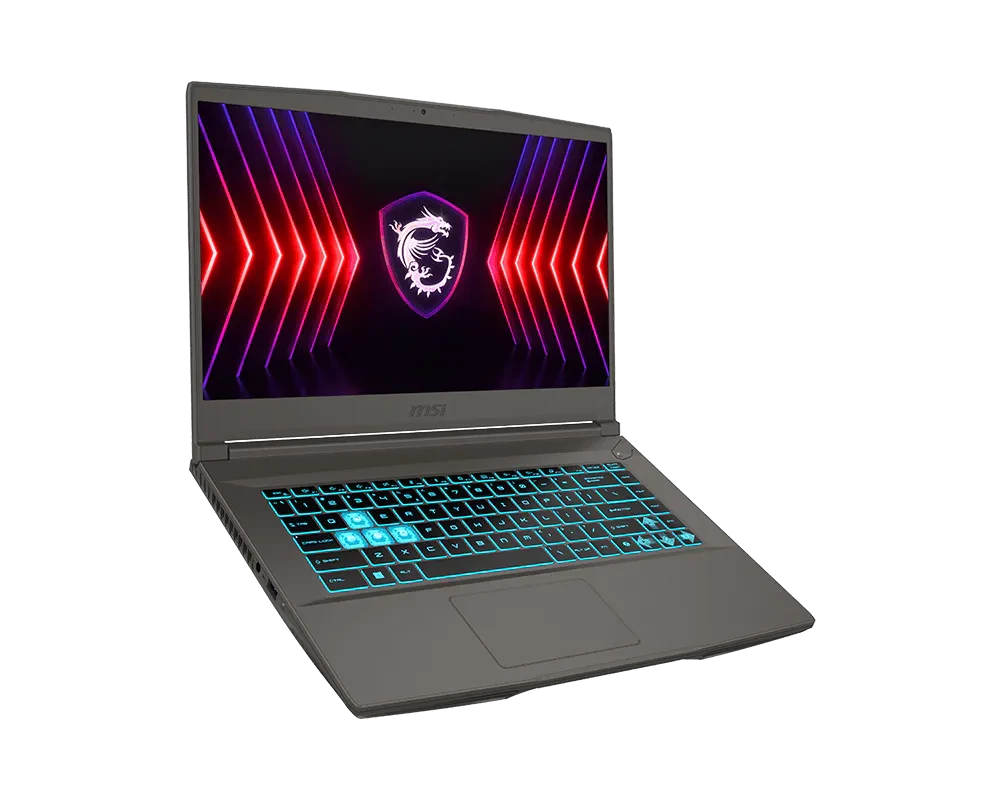
MSI Thin 15 B2RVE CORE 7 RTX 4050 6GB Gaming Laptop
Laptops408,000 -
 In Stock
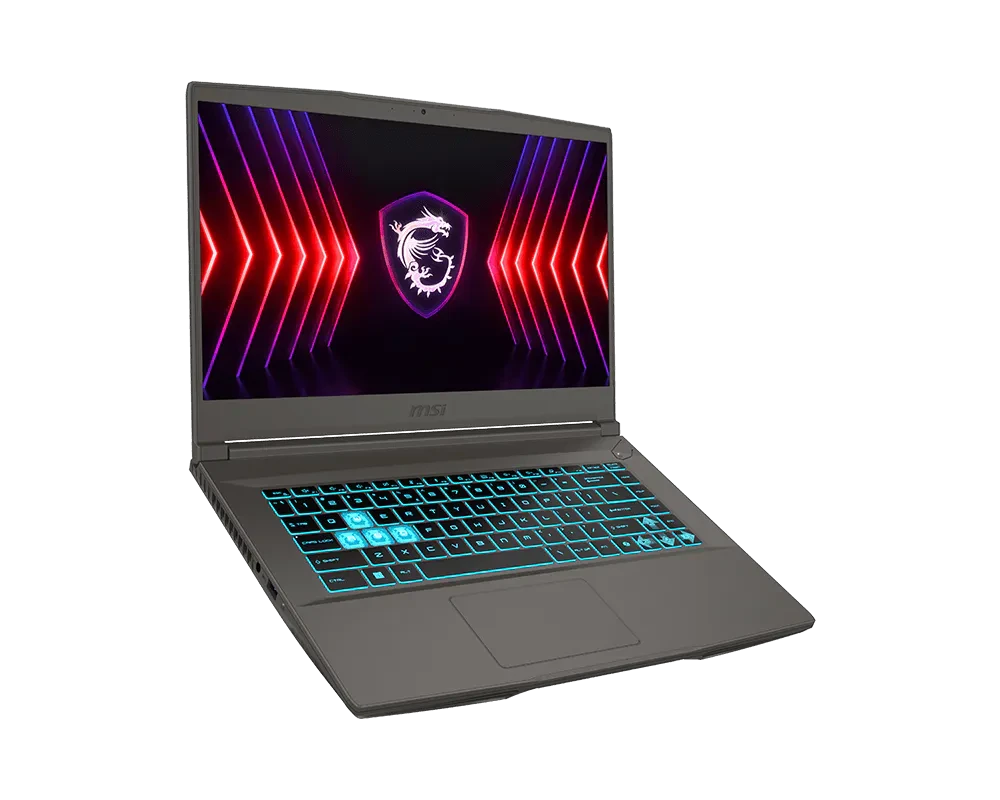
MSI Thin 15 B2RVE CORE 5 RTX 4050 6GB Gaming Laptop
Laptops390,000 -
 In Stock
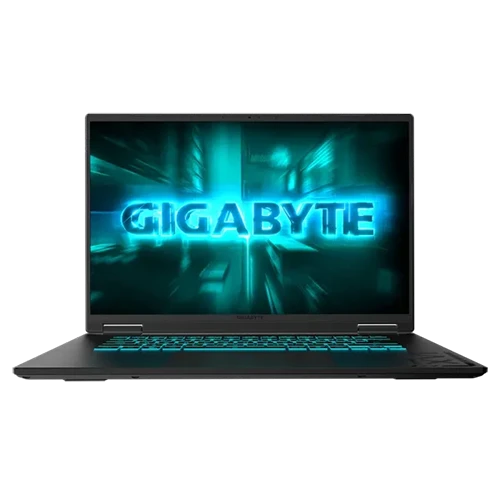
GIGABYTE GAMING A16 Core i7 16″ 165Hz RTX 4050 6GB
Laptops369,000 -
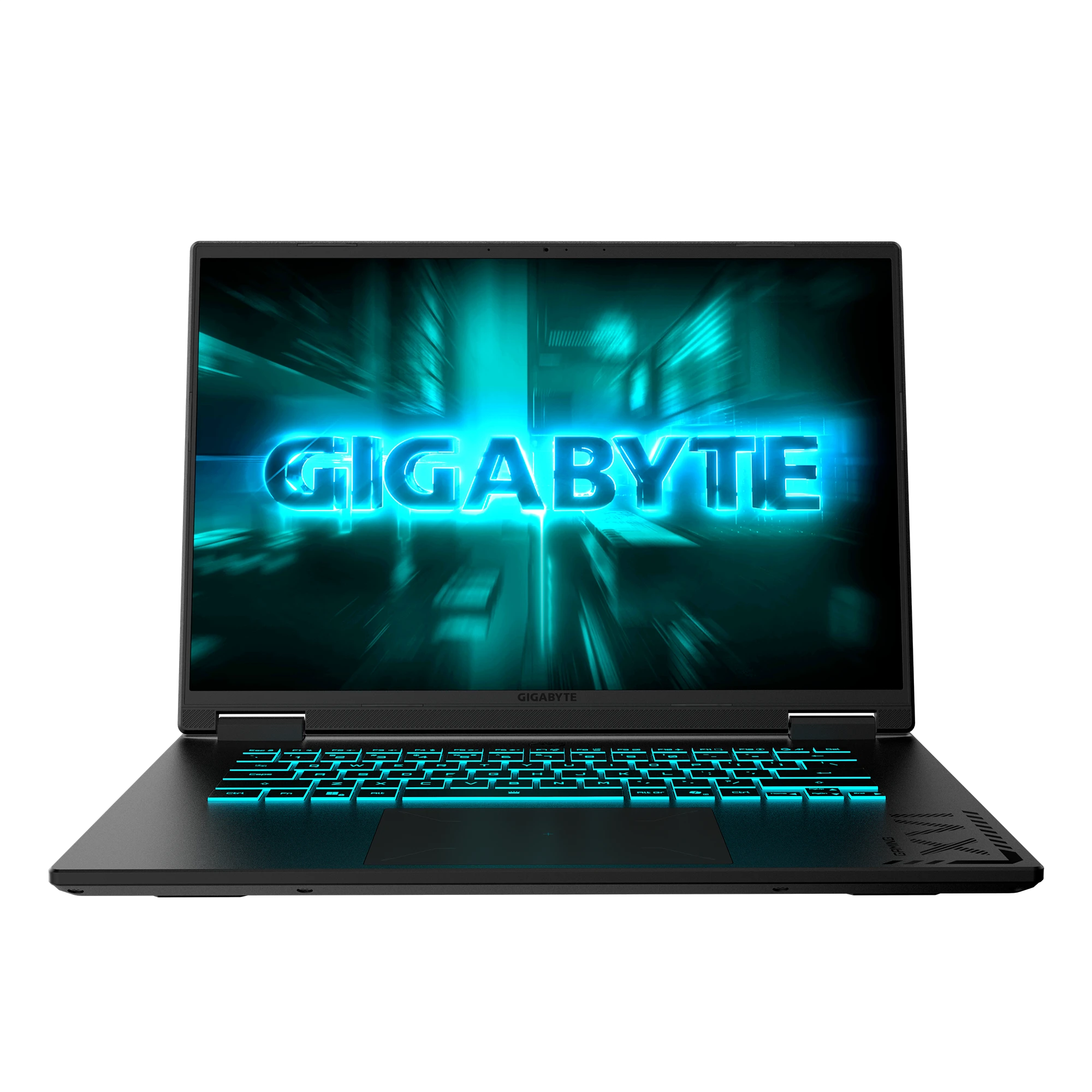 In Stock
GIGABYTE GAMING A16 Core i7 16″ 165Hz RTX 4050 6GB (1TB)
Laptops399,000 -
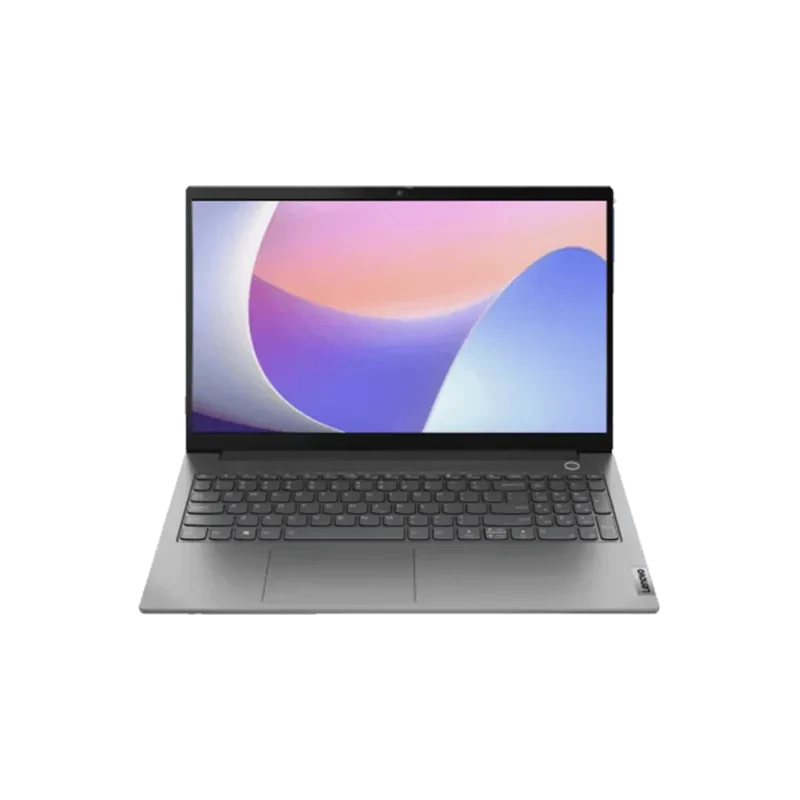 In Stock
Lenovo Ideapad Slim 3-15IRH8 Core i5 Laptop
Laptops203,500 212,000 -
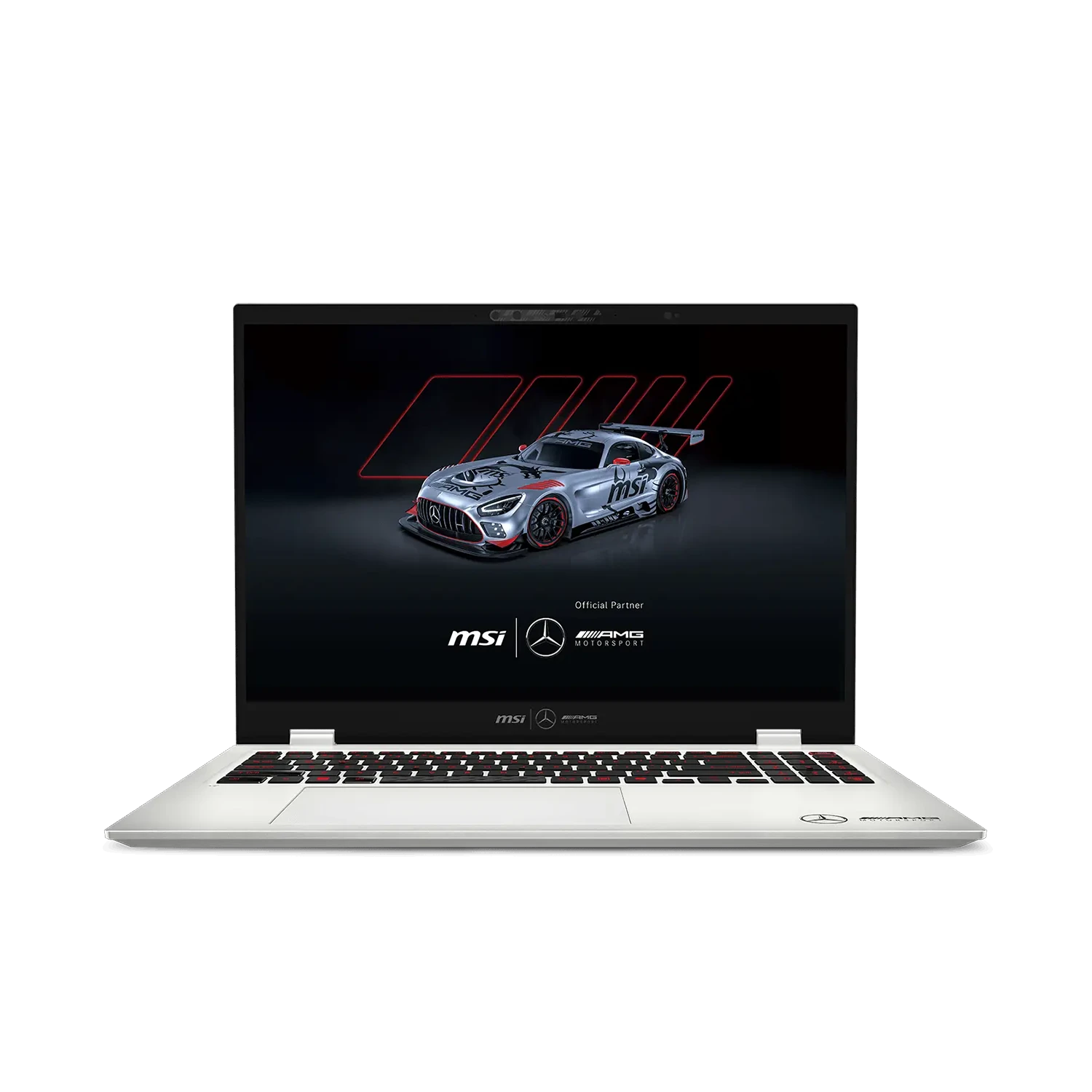 In Stock
MSI PRESTIGE 16 AI+ MERCEDESAMG B2VMG INTEL CORE ULTRA 9 Laptop
Laptops835,000 -
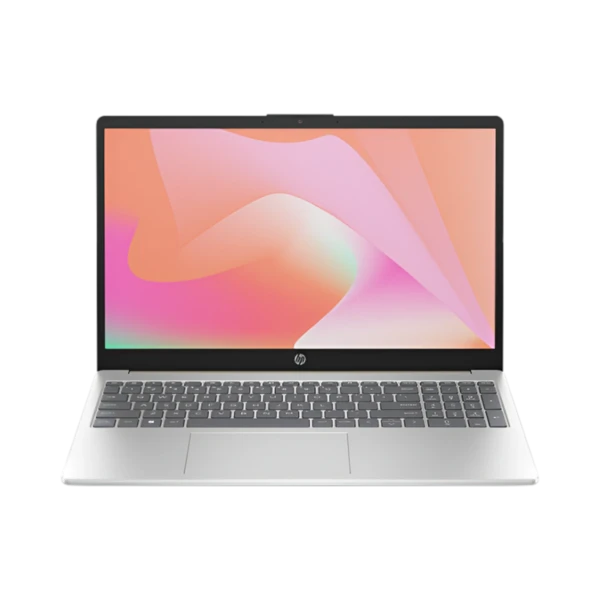 In Stock
HP 15-FC0120NIA Ryzen 7 LAPTOP
Laptops218,500 226,500 -
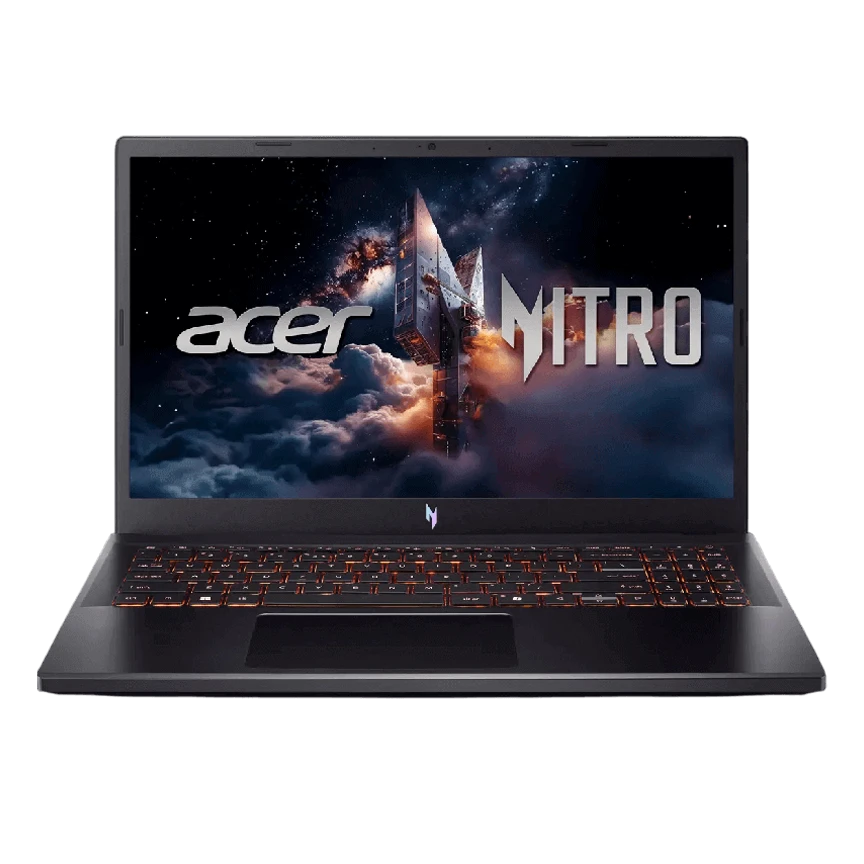 In Stock
ACER NITRO V15 ANV15 Core 5 RTX 3050 Gaming Laptop
Laptops299,000 -
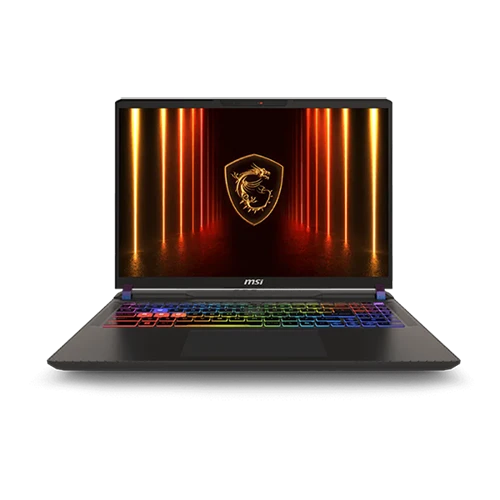 In Stock
MSI Vector 16 HX AI A2XWHG Ultra 9 RTX 5070 Ti Gaming Laptop
Laptops1,040,000 -
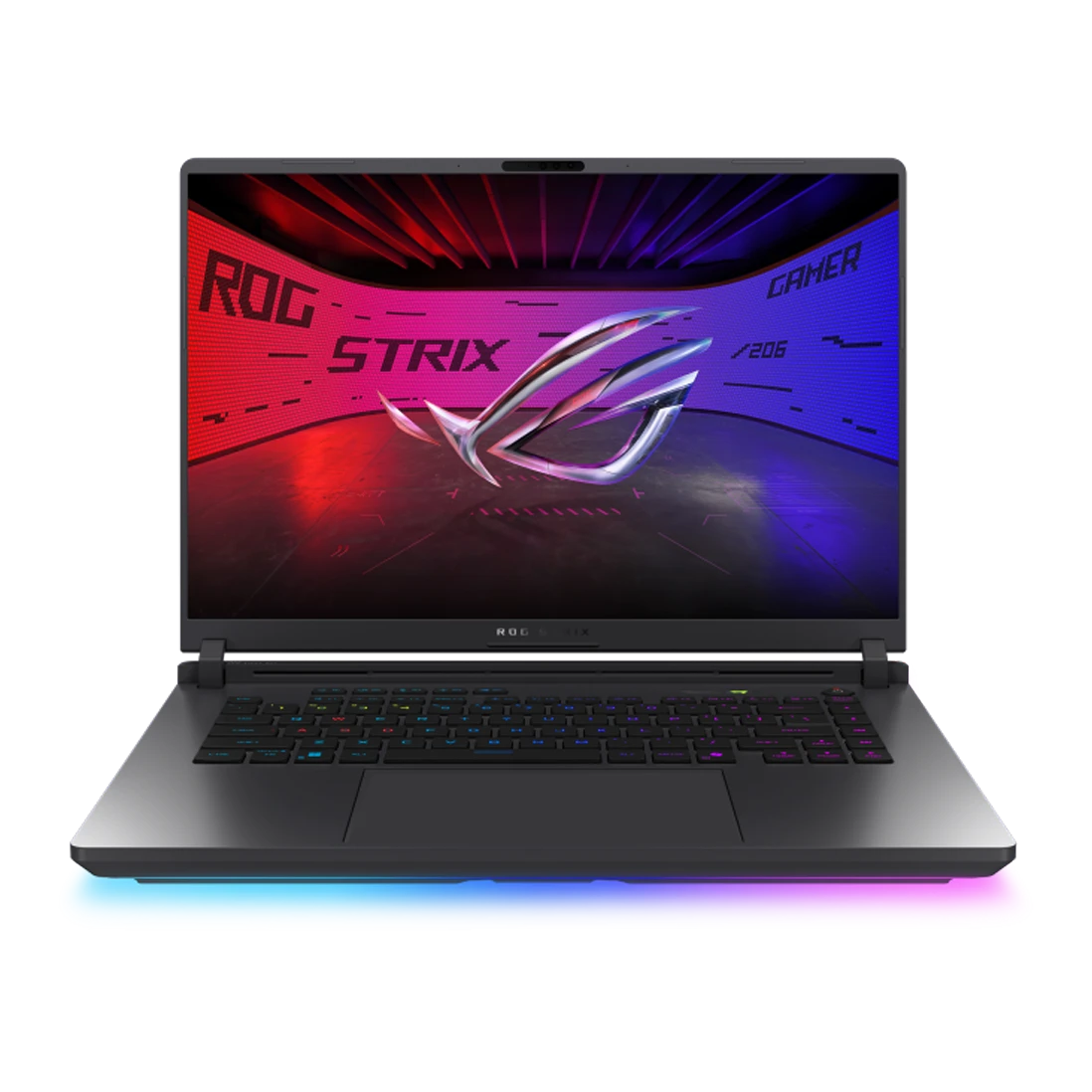 In Stock
ASUS ROG Strix G615J Core i9 RTX 5060 Laptop
Laptops676,000 -
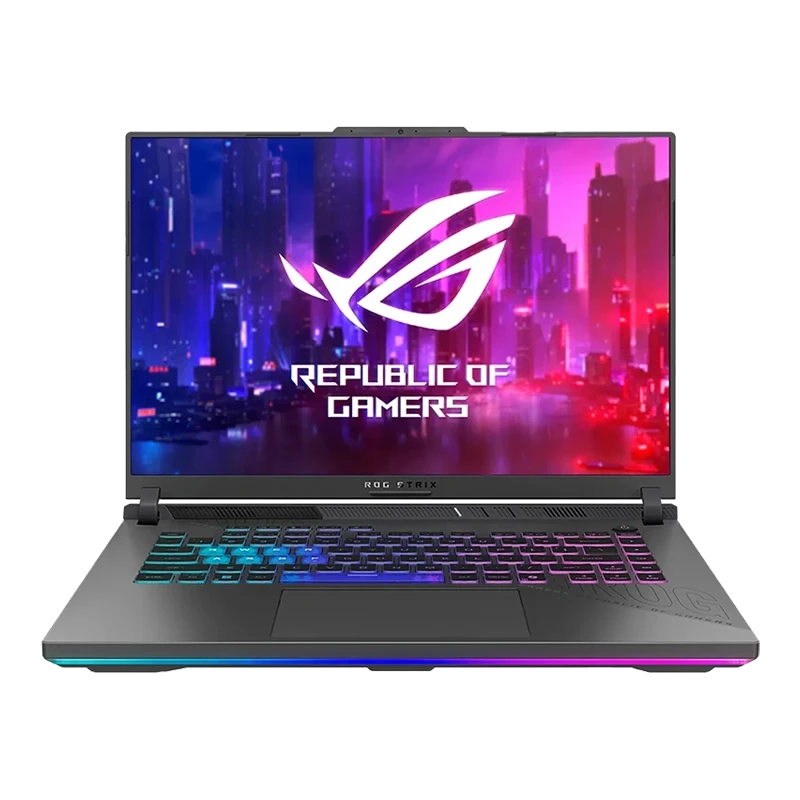 In Stock
ASUS ROG STRIX G614F Ryzen 9 RTX 5050 Gaming Laptop
Laptops575,000 -
 In Stock
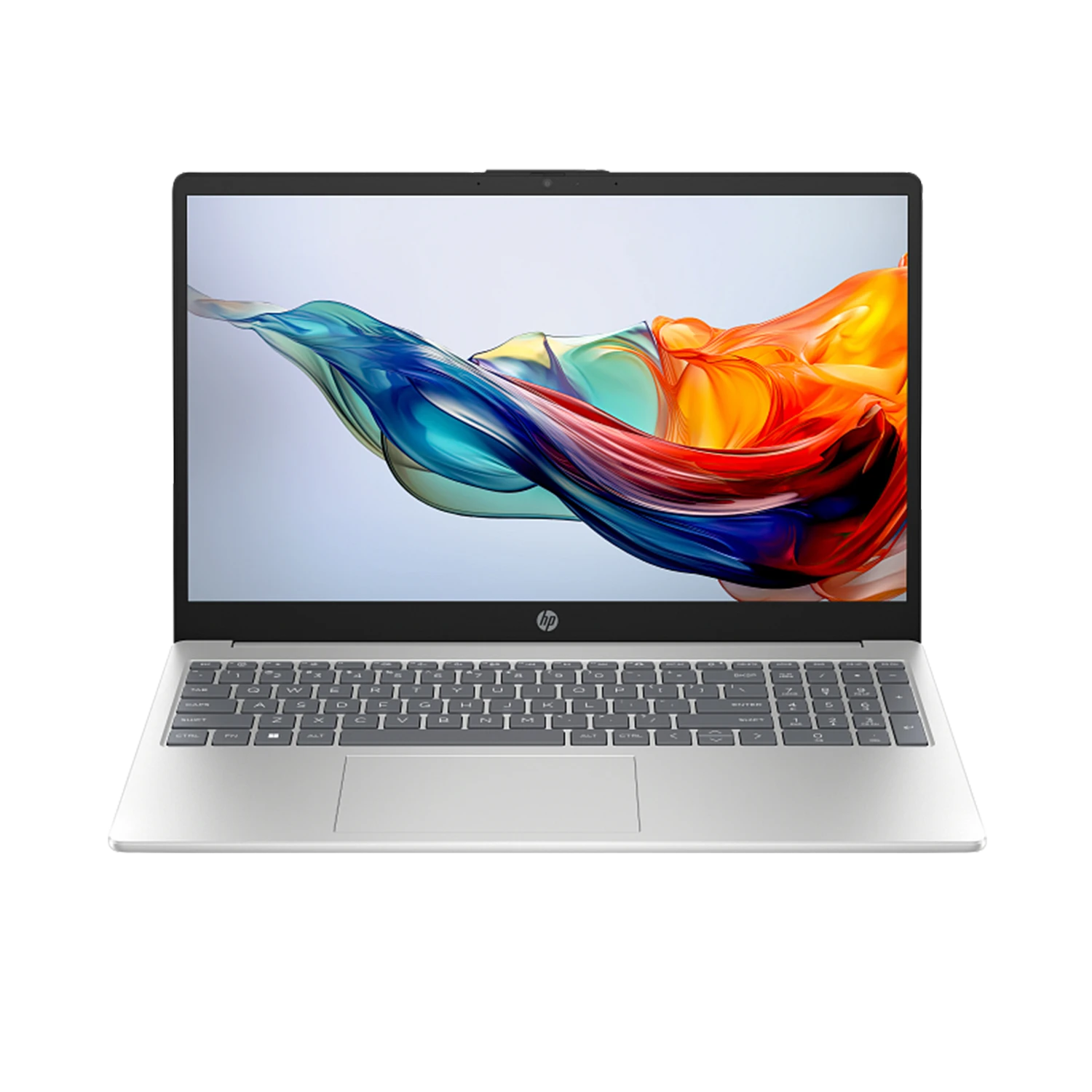
HP Laptop 15-FC0196NIA RYZEN 5 LAPTOP
Laptops186,500 192,500
Explore the Latest Collection of Laptops in Sri Lanka in 2026
Hunting for a laptop that actually keeps up with what you throw at it? Winsoft stocks a continuously refreshed range of the latest laptops in Sri Lanka, built around the newest Intel processor generations and current AMD Ryzen chips — so you're getting today's performance, not last year's leftovers.
Pick from top-tier brands like HP, Lenovo, MSI, Dell, and more, all available at Winsoft. Whether you're chasing high frame rates in demanding titles, running GPU-intensive workloads for university projects or machine learning, or simply need a slim, reliable Ultrabook for daily work — our lineup has you covered, no matter what you throw at it.
Why Shop Laptops from Winsoft
Official Brand Partnerships
Winsoft holds official partnerships with leading brands like MSI and Gigabyte in Sri Lanka. These direct relationships ensure every device in our collection is 100% genuine, officially supported, and backed by manufacturer warranty.
Buy Now, Pay in Installments
Winsoft makes owning your dream laptop easier with flexible payment options. Choose KOKO's Buy Now Pay Later plan and cover just a third of the price today — no credit card required. Prefer to use your bank card instead? Winsoft also accepts credit card installment plans, letting you spread the cost over several months through your bank. Either way, there's no reason to put off getting the laptop you actually want.
Island-Wide Delivery
Fast and secure delivery is available across Sri Lanka. This is to ensure your laptop reaches you safely wherever you order from.
Support That Continues After Purchase
Our technical team is here well beyond checkout — offering setup help, upgrade recommendations down the line, and access to our in-house service center for maintenance and repairs, keeping your laptop running smoothly for years.
FAQs About Laptops in Sri Lanka
What's the typical laptop price range in Sri Lanka?
Winsoft's budget-friendly i3 and i5 laptops start from around Rs. 182,500. Mid-range i7 models fall between Rs. 230,000-350,000, while high-performance i9 and Ryzen 9 machines with dedicated graphics start from around Rs. 490,000 upward.
Which laptop brand is best for students in Sri Lanka?
For most students, a lightweight laptop with at least 8GB RAM, an SSD, and 6+ hours of battery life works best. Brands like ASUS Vivobook, HP Pavilion, and Lenovo IdeaPad offer a solid balance of affordability, portability, and performance for coursework, research, and everyday use.
Is 8GB RAM enough for a laptop in 2026?
8GB RAM handles basic tasks like browsing, document editing, and streaming, but it can feel limiting with multiple browser tabs, heavier software, or multitasking. For a smoother, longer-lasting experience, 16GB is now the recommended minimum for most users, especially students and professionals.
What specs should I check before buying a laptop for office work?
For everyday office tasks like documents, spreadsheets, and video calls, look for at least 8GB RAM, an SSD (not HDD) for faster load times, and a battery that lasts a full workday. A comfortable keyboard and lightweight design also matter if you're carrying it between home and office
How to find my laptop details?
Laptop specs like generation and storage: go to Settings > System > About. System manufacturer details (model, manufacture date): check the physical sticker on the device, or press Windows Key + R and type msinfo32.
How to speed up my laptop?
The most permanent fix is to upgrade the RAM and SSD. Practices like a daily restart, clearing up unwanted tasks from the Task Manager, and deleting unwanted files can also really help speed up your laptop's performance.
Is it better to buy a laptop online or from a physical store in Sri Lanka?
Buying online often gets you better prices and a wider model selection, while in-store purchases let you physically check the device and get instant answers to your questions. Winsoft offers both — browse and compare online, then visit our store for a hands-on look before you decide.
How long should I charge my new laptop?
It is recommended to charge your new laptop for 2-3 hours until full charge before your first use. Avoid emptying the battery, especially for new laptops, as it would cause damage to the cells.